ATS-Friendly CV Templates

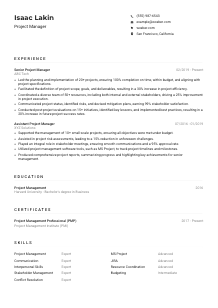
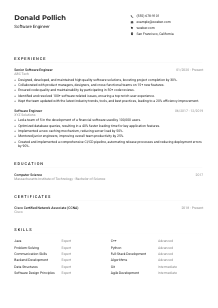
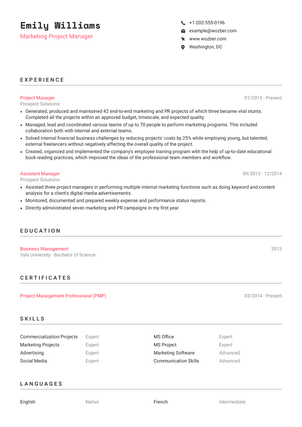
Start with a free ATS-friendly CV template designed to help applicant tracking systems (ATS) read your CV correctly. Many employers use ATS software to organise and filter job applications, so clear formatting and relevant content matter. Wozber guides you through each section, helping you tailor your experience to the job you're applying for while keeping your CV in a clean, ATS-friendly format. Choose a template, create your ATS-optimized CV, and download unlimited PDFs for free.

ATS CV Format

Think of ATS as a data filing system. Its ability to accurately organise information depends on how easily it can scan and understand the content of your CV. This is why it's so important to use an ATS-friendly CV template.

After attaching your CV to a job application form, an ATS parses (reads) the file and tries to automatically prefill the fields such as contact information, location, education, and others most important for the employer. In that way, recruiters using an ATS can store all the main data points about candidates uniformly and find the required details more easily.

If an ATS struggles to interpret the CV, it could result in your application being overlooked when a recruiter searches for candidates with particular skills or experience, even if you possess those qualifications.

To make your CV possible for an ATS to parse, it has to be machine-readable, or as commonly known, have an ATS-friendly CV format.

ATS providers can implement CV parsing in different ways, but two techniques are most common:

By using more advanced solutions such as Optical Character Recognition (OCR) – first, converting a CV to image, then using AI-driven techniques to determine different types of information by its placement on the paper and other distinctive features, and only after knowing document structure finally extracting the text.

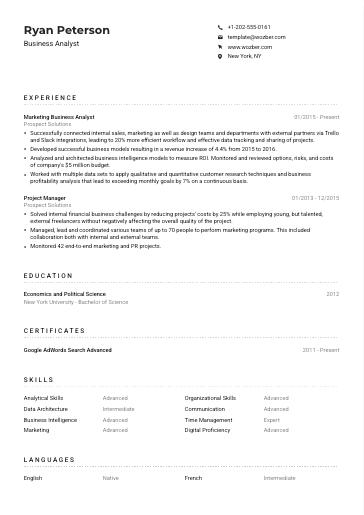
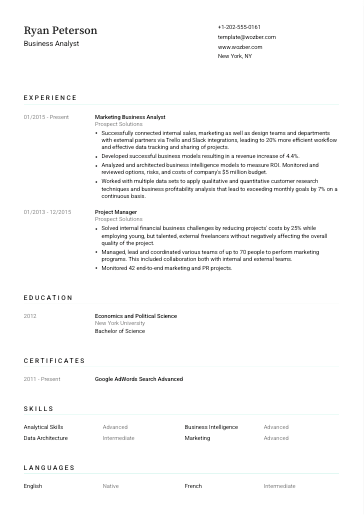
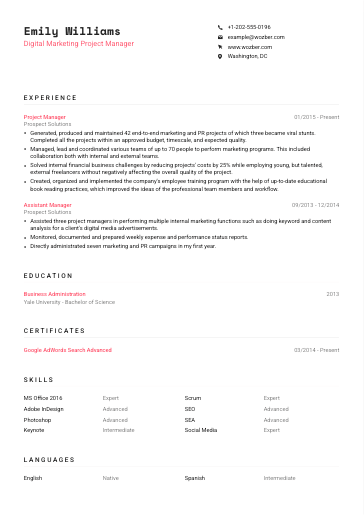
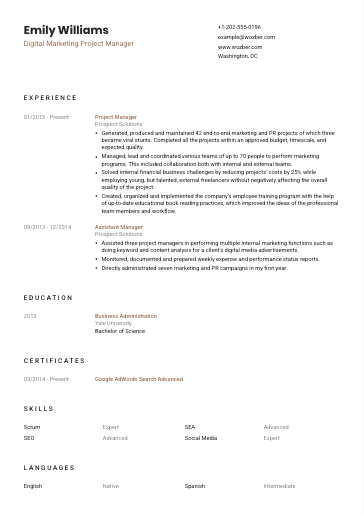
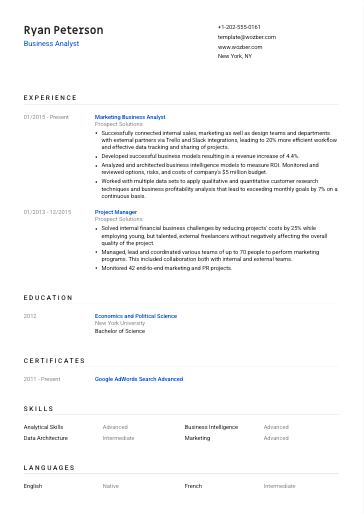
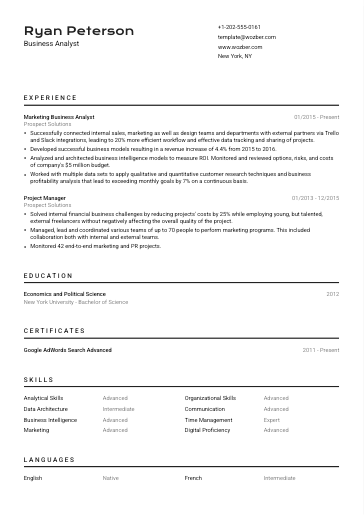
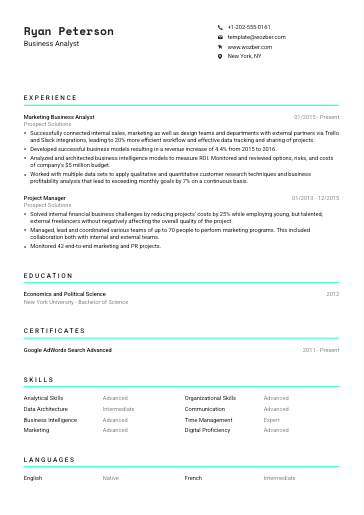
CVs with a clear structure are easier to parse, helping ensure your information is read and interpreted correctly. There are a few essential properties that contribute to a well-rounded ATS CV format.

One-Column Layout

Also known as a layout without columns. There might be no problems for the most modern systems using the latest OCR techniques to determine separate columns of information. However, an ATS that uses older approaches will probably mesh all the text together and turn your well-prepared CV into gibberish. For example, if one side of the CV lists your experience and the other one skills – an ATS will be reading from left to right, line by line, and joining any text that comes in between, completely messing up the information flow. The one-column layout ensures that there won't be any such issues for any parsing techniques.

Chronological CV Format

There are multiple ways to provide your story within your CV. The most common format is chronological, which lists all your held positions and gained education in reverse chronological order, providing the newest entries first. And there are also less popular formats, such as functional or skills-based, usually chosen by job seekers with less experience. Applicant Tracking Systems are built to look for information in chronological order, so you should write your ATS-compliant CV that way too. Recruiters almost unanimously prefer this format because it tells your career progression linearly and provides a glimpse into how you've become the specialist you are today.

Common Headings

While parsing CVs, Applicant Tracking Systems usually search for common headings to distinguish information blocks: Contact Information, Experience, Education, Certificates, Skills, Languages, and Summary. So, if you name your sections too creatively, like "Where I've made new friends", an ATS will probably not be able to understand it. Recruiters prefer the well-known headings too because it's so much easier to go through such structured CVs quickly.

Clear Typography Hierarchy

The ATS-compliant CV headings should open new segments by distinctive visual properties like font size and weight. In other words, you should use larger font sizes for titles and smaller ones for content. It's easier for ATS and recruiters to read your CV and break up the content when the typography properties indicate its hierarchy.

Proper Spacing

There are so many myths trying to convince cranking all your CV content into a single page no matter what. Do that without a thought, and you might sacrifice its readability badly – not only for a recruiter reading it but for an ATS as well. Modern systems relying on the OCR look for visual indicators that separate content into segments, just like human eyes would do. When you use proper spacing between the content, it's obvious what text belongs to which CV part, and it's much easier for the ATS parser to make the right choice. Excellent readability is one of the most important goals of any CV.

High Text Contrast

If an ATS uses OCR, it first converts your CV into an image, often in greyscale, and then recognises the text from it. Low contrast between the text and its background, such as light text on a coloured background, can make letters hard to tell apart and lead to parsing errors. Keep a clear contrast between your text and background colours – dark text on a light background is the safest choice. Parsers that don't use OCR read the text directly and ignore colours entirely, so strong contrast ensures your CV works with the broadest range of ATS implementations.

ATS-Friendly Fonts

You are safe if your text doesn't look like a creative brochure. There are common myths that you should always use Times New Roman and similar fonts, but these are outdated recommendations from people who don't understand how an ATS parsing actually works. As long as all letters in the text are easily distinguishable from each other and the appearance resembles regular text, there will be no problem.

PDF, DOCX, or TXT

In almost all cases, PDF is the format to choose. It keeps your CV looking the same on any device a recruiter uses, and a text-based PDF built on an ATS-friendly CV format is easy for an ATS to parse. Companies sometimes list accepted file types in the job advert or application form, so check it and only switch formats if PDF is explicitly not accepted.

Content to Include

An ATS will parse your CV and prefill the essential information into the job application form: Contact Details, Location, Experience, Education, Certificates, Skills, and Languages. Those are the primary sections capturing all the required aspects of your expertise. Of course, not all job applications will ask you for this information, but the ones that do will have a smooth parsing. Recruiters reading your CV will also appreciate the standard structure. When filling in the content, always focus on its relevance and include only the information correlating with the specific job requirements.

Content to Ignore

To protect themselves from discrimination claims, many employers discard or deliberately disregard personal details such as your photo, date of birth, marital status, and gender, and an ATS is often set up not to capture them. Including them won't help your application and may even get your CV set aside. Hobbies rarely influence screening either, so save them as a potential topic for a job interview instead. Use your CV space for the content you must include.

Use ATS CV Scanner to Boost Your Interview Chances

Choosing an ATS-Friendly CV Template is just the beginning. What goes into your CV matters most in landing a job interview. The ATS CV Scanner, together with all the rest of Wozber CV ATS Optimisation tools, makes CV writing super easy and ensures you get the most out of your CV.

Wozber ATS CV Scanner
Browser Background

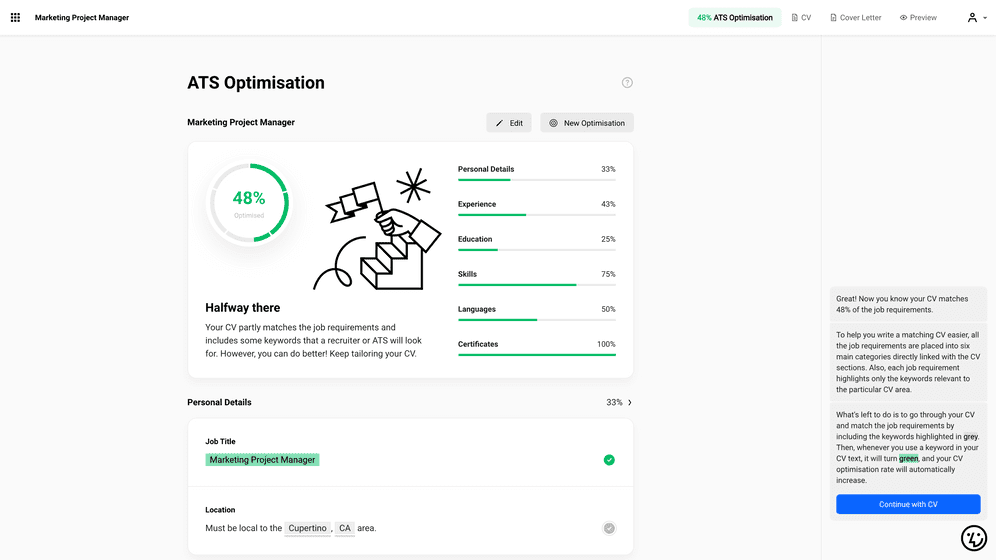
Once you have a job position that interests you, copy its job requirements into Wozber ATS Scanner. Wozber will then list all the job requirements linked with the specific CV sections, indicate how well your CV matches each job requirement, and show you all the keywords that a recruiter might use within the ATS scanning your CV. It works as a reverse-engineered ATS built to openly share with you what recruiters will expect from your CV. Combine an ATS CV format and content optimised for ATS, and you will have a job-winning CV. Once your job requirements are in place, Wozber AI Tools can take it a step further and rewrite your CV to match them in one click, while staying true to your real experience.

Boosting Your CV's Relevance

Some hiring tools help recruiters compare applications with a job's requirements. Describing your relevant skills and experience clearly makes that match easier to assess. Use a CV match score as guidance for improving your application, rather than a prediction of an employer's decision.

Increasing Your Visibility

Hiring managers may search their candidate database for specific skills, job titles, or qualifications when new positions open. Including relevant keywords that accurately describe your experience can help your CV appear in those searches. Keep them natural and useful to the reader, rather than repeating terms just to add more keywords.

DOCX vs. PDF for ATS

There's a lot of online chatter about the optimal format for an ATS-friendly CV, with DOCX and PDF being the most popular picks. Most applicant tracking systems can read both, so the deciding factor is how your CV appears to recruiters. You want it to keep its intended design and remain easy to read when it's opened, and that's where PDF comes out ahead.

FeatureDOCXPDF
ATS compatibilitySupported by most systemsSupported by most systems when the text is selectable
Appearance for recruitersMay change with the viewer's software and installed fontsLooks the same on every device
Protection from accidental editsEasy to change when openedShared as a finished document

A text-based PDF keeps your CV's design, layout, and formatting intact across devices, giving it a professional and polished look. Check that the text can be selected and copied, and that it appears in the intended reading order.

PDF is the right choice for almost every application. Only send a different format if the job advert explicitly requires it.

One-Column vs. Two-Column Template for ATS

How Does an ATS View a Two-Column CV?

Some CV parsers can read across columns instead of following each column from top to bottom. If that happens, information from separate sections may be combined, causing important details about your skills or experience to be misunderstood. Parsing behaviour varies between systems, so the example below illustrates a possible problem rather than a result you should expect from every ATS.

Two-column CV
Alex Morgan
Project Manager
Skills
Planning
Reporting
Teamwork
Experience
Led a team of 10
Delivered projects
Improved efficiency
Possible ATS reading order
Alex Morgan
Project Manager
Skills Experience
Planning Led a team of 10
Reporting Delivered projects
Teamwork Improved efficiency
Illustrative example: text from separate columns can end up on the same line.

Deciding on Your CV Layout

Two-Column CV Template

A two-column layout can be useful when sharing your CV directly with a person, especially for roles where visual presentation matters. It can organise a broad skill set and experience into distinct areas. If you apply through an ATS, check the employer's instructions and review any information the application form extracts from your CV.

One-Column CV Template

A one-column CV is a straightforward choice when an application uses an ATS or you're unsure how it will process your file. Its simpler reading order reduces the complexity of the layout. Simple doesn't mean boring: use clear headings, considered spacing, and bullet points to highlight your accomplishments.

5 Tips for Tailoring Your CV

Show the hiring manager that you're not just sending a generic CV to every job, but that you've thoughtfully considered why you're a great fit for this specific role. Your goal is to make it easy for them to see you in the job by drawing lines straight from the job description to your past experience.

  1. Align Your Target Job Title with the Job Advert

    Place the role you're targeting directly under your name to give your CV a clear focus. This helps hiring managers understand the position you're seeking at a glance. Keep the job titles in your employment history accurate, and use the target title to describe your next step.

  2. Break Down the Job Advert and Search for Keywords

    Go through the job advert thoroughly to identify specific keywords and phrases used to describe the desired qualifications, skills, and experience. These may include technical skills, tools, software, and relevant soft skills. You can also use Wozber ATS Scanner to identify job requirements and see how your CV matches the description.

  3. Incorporate Keywords Throughout Your CV

    Don't limit relevant keywords to the experience section alone. Include them naturally in your skills, personal statement, project descriptions, and achievements where they accurately reflect your background. Give examples that demonstrate your experience instead of simply repeating the job description. Wozber AI Tools can help you rewrite your CV around the job requirements you add, without inventing experience you don't have.

  4. Use Quantifiable Achievements

    Use numbers and data to explain the impact of your work. Instead of only saying that you led a team to improve project efficiency, describe the team size, the improvement, and the timeframe. Include figures you can support.

  5. Use Both Acronyms and Full Forms

    When relevant, include both the acronym and the full name of a technical term, skill, or certification on its first mention, such as Search Engine Optimisation (SEO). This gives readers context and covers different ways a recruiter might search for the same qualification.

Not Keen on Building a CV from Scratch?

Explore Wozber's CV examples for different professions and use one as a starting point for your own experience. Find your desired job title, then make the content and your chosen ATS-friendly template your own.

Find Your CV Example

Other Most Common ATS Format Questions

Can an ATS read a two-page CV?

Yes, an ATS can parse a two-page CV. Length alone does not determine whether a CV can be read correctly; the file type, structure, and clarity of the content matter more. Follow any length requirements in the job advert.

Can an ATS read coloured text?

Yes, as long as the text keeps a high contrast with its background. Use dark colours for the main body text and keep a restrained accent colour for headings and lines.

Can I add tables, diagrams, or graphics to my CV?

Complex tables, diagrams, and graphics can be difficult for some CV parsers to interpret. Avoid placing essential information only in an image, chart, or complicated table when applying through an ATS.

Use clear headings, straightforward text, and bullet points for your key experience and skills. If an application form prefills information from your CV, check the extracted details and correct any mistakes before submitting.

Can I use AI to write an ATS-friendly CV?

Yes, AI can help you tailor wording to a job advert, add relevant keywords, and tighten long descriptions. What keeps a CV ATS-friendly is still its structure – a clear layout, common headings, and a text-based PDF – so use AI for the content and an ATS-friendly template for the format.

Wozber AI Tools work inside your chosen template: they can match your CV to the job requirements you add, shorten or expand your text, and show a side-by-side preview before you apply any changes.

Always review AI-generated text before applying. Make sure every claim reflects your real experience, and edit anything that doesn't sound like you.

Free ATS CV Builder

Wozber integrates all the moving pieces into a single platform so you can have a smooth ATS CV writing experience from start to finish. Build your ATS CV based on the best practices step by step, easily match job requirements, track your progress, and present your career story in the ATS-friendly format – that and more, all in one single package for your ultimate convenience and job hunt success.

ATS CV Format Example
0%
Optimised
Person with ATS Friendly CV

Build ATS CV and land more job interviews, easily.