Free CV Templates
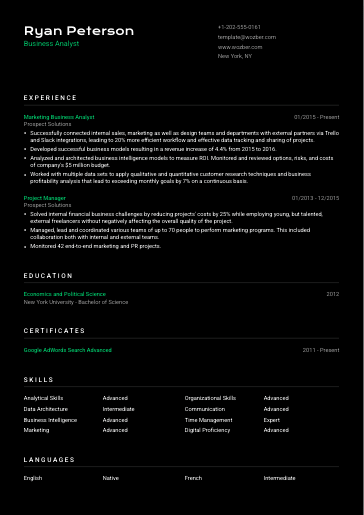
Explore 24 free resume templates and find a design that makes your experience stand out. Choose from professional, modern, creative, and ATS-friendly styles, then create your CV with easy step-by-step guidance. Try different designs and switch templates anytime without losing your details or starting over. Download unlimited PDFs with no watermark.
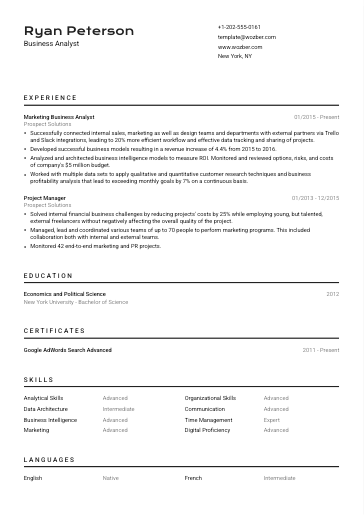
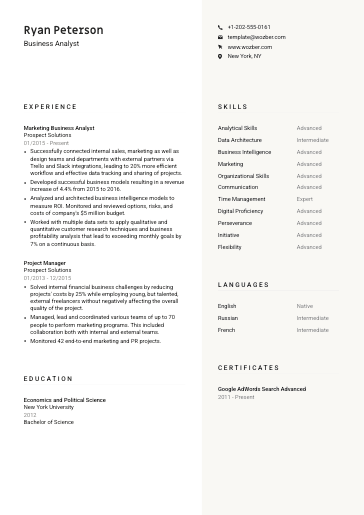
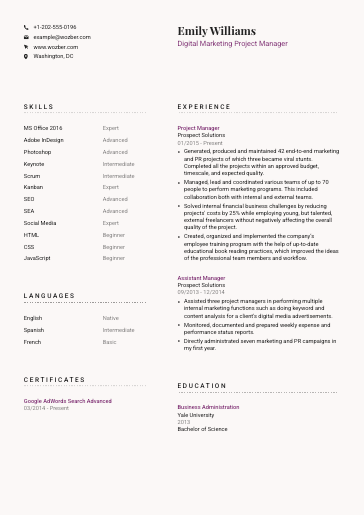
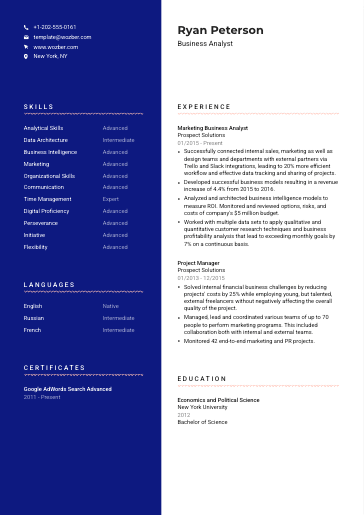
Professional

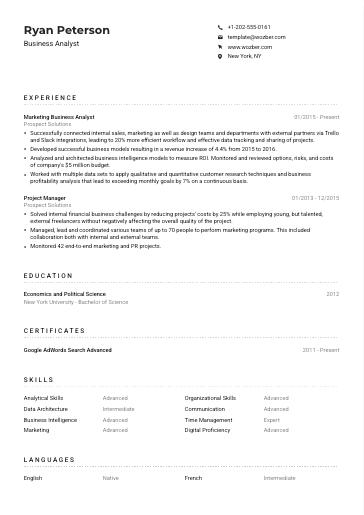

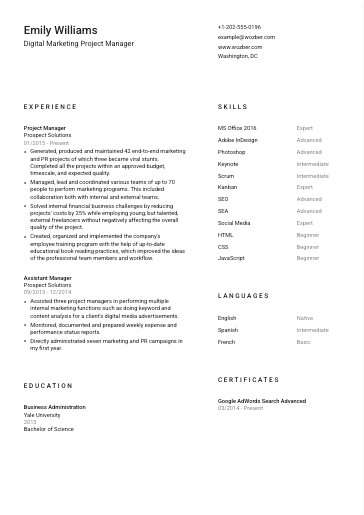

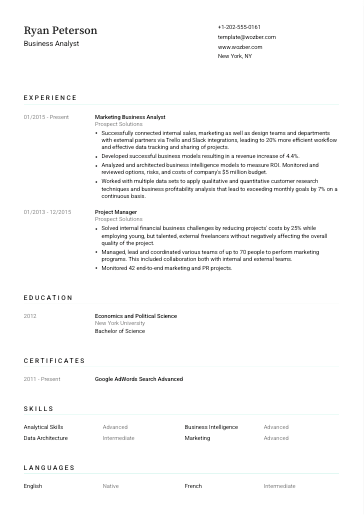

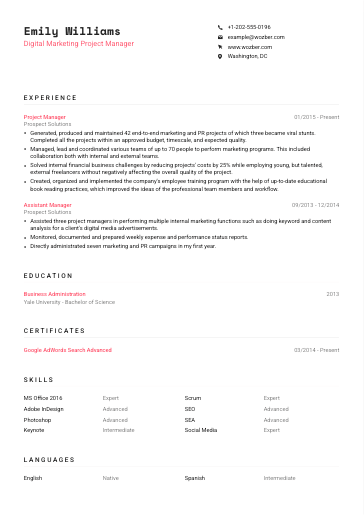

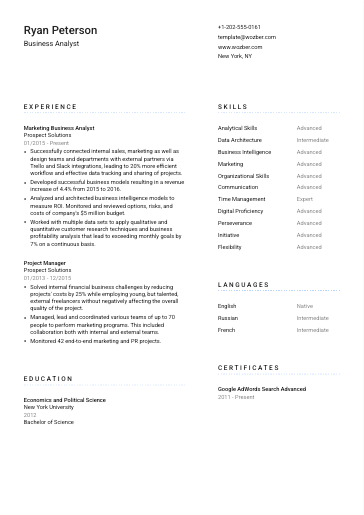

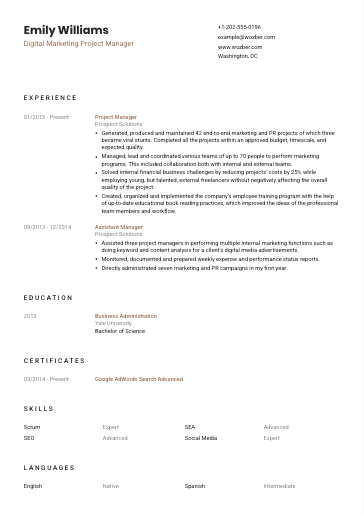

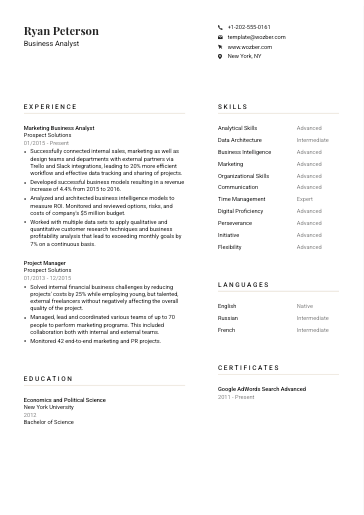

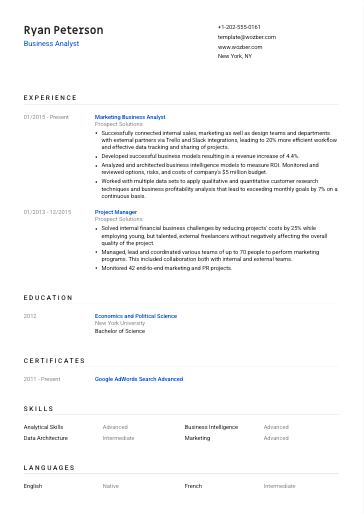
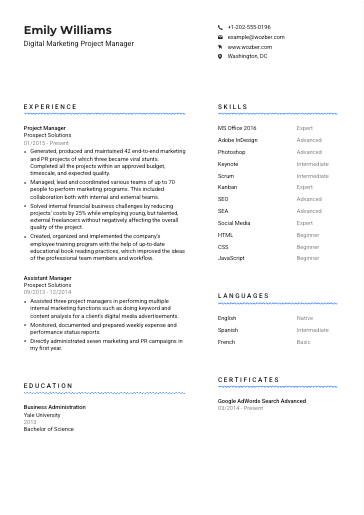
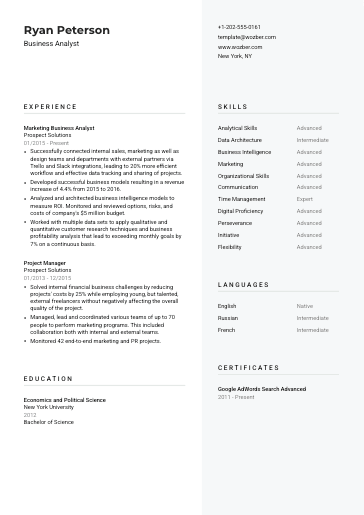
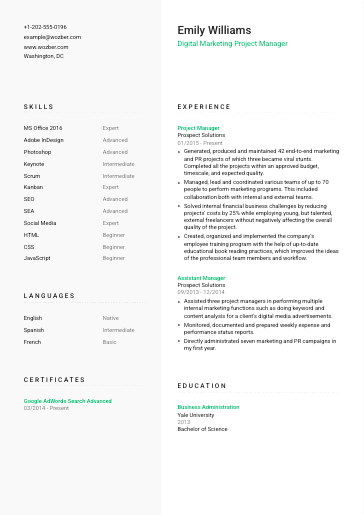
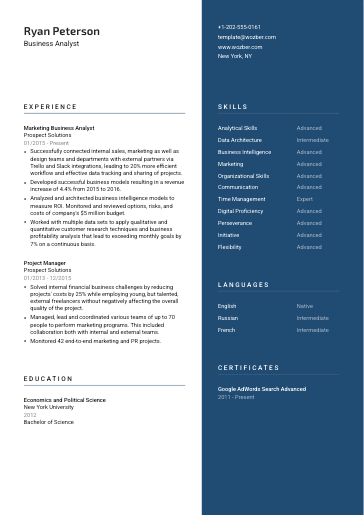
Modern

















Most Common CV Template Questions
Are Wozber CV templates really free?
Yes, all 24 preset CV templates are free to use. Choose a template, fill in your information step by step with Wozber's CV builder, and download your CV as a high-quality PDF – with unlimited downloads, unlimited CVs and cover letters, and no branded watermark. You don't need a credit card to create an account.
If you want more control, Wozber Pro adds optional features such as full template customisation, additional CV sections, AI Tools, and unlimited ATS scans. Free access is enough to create and download a complete, professional CV.
Which CV template should I choose?
Pick the template that matches your industry and how you'll apply.
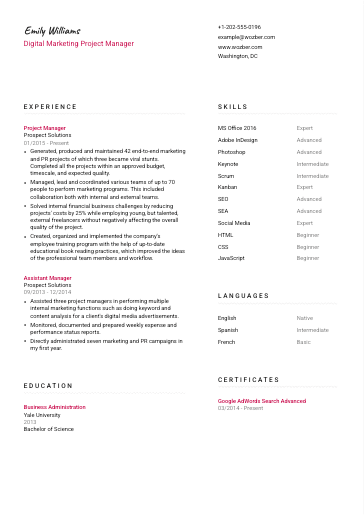
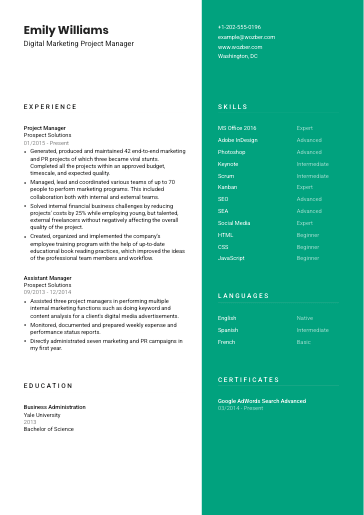
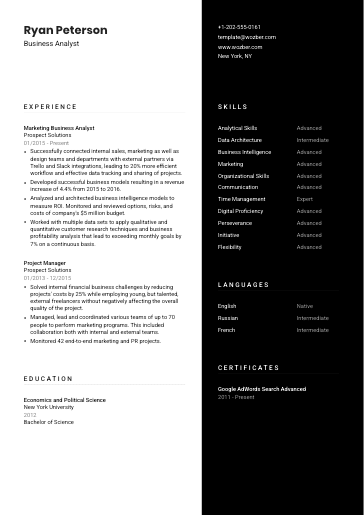
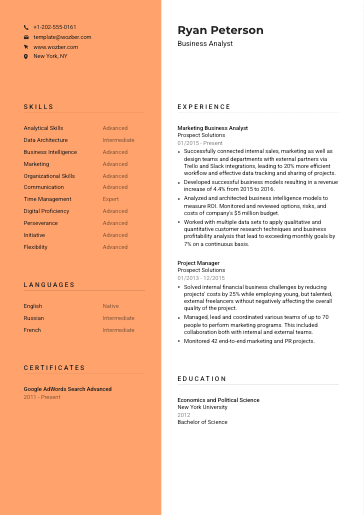
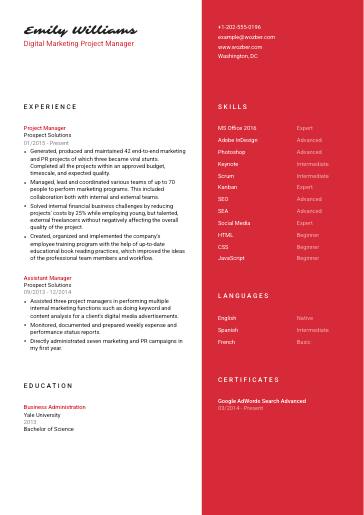
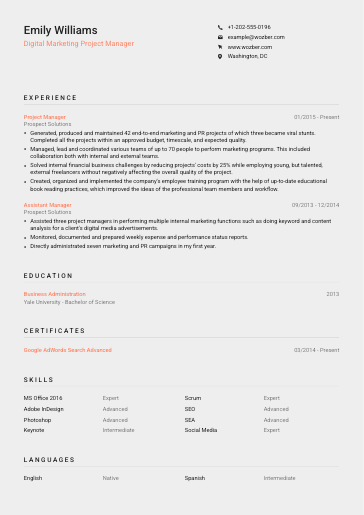
Professional CV templates suit traditional fields like finance, law, healthcare, and administration, where a clean, conservative look works best. Modern CV templates work for most roles and industries, balancing a contemporary design with easy readability. Creative CV templates fit design, marketing, and other roles where visual presentation is part of the job.
If you're applying through an online application form, choose an ATS-friendly CV template so applicant tracking systems can read your CV correctly.
Don't overthink it – you can switch templates at any time without retyping your content.
Are these CV templates ATS-friendly?
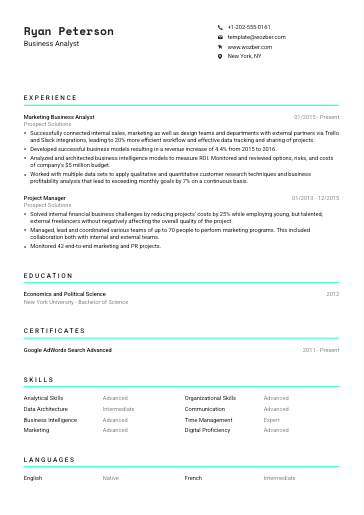
Templates marked ATS-friendly use a one-column layout, high contrast between the text and its background, and a clear typography hierarchy, which makes them the safest choice for applicant tracking systems. Every Wozber CV downloads as a text-based PDF, so the text stays selectable and readable for an ATS.
Templates with two columns or bolder colour accents look great when you send your CV directly to a recruiter or hiring manager. When you're not sure how your CV will be processed, go with an ATS-friendly template.
Can I switch templates after writing my CV?
Yes, your content is stored separately from the design, so you can switch between any of the CV templates at any time without retyping anything. Wozber automatically adjusts the layout and spacing to your content length, so your CV looks well balanced in every template.
This makes it easy to compare a few designs with your real content before you download your CV as a PDF.
Can I customise a CV template?
Every template is ready to use as it is, with a balanced layout, fonts, and spacing. With Wozber Pro, you can customise your CV template in the Design view – change the section order, spacing, layout, colours, headings, and more – to make the design your own.
If you plan to apply through an ATS, keep a one-column layout and strong contrast between your text and background when customising your template.
Can I create a CV in another language?
Yes, and it's completely free. Wozber CV templates support 40+ languages, including Spanish, French, German, Portuguese, and Italian. When you change the template language, CV headings, dates, and skill ratings are translated automatically, so you can create a CV for jobs in different countries.
With Wozber Pro, AI Tools can also translate your CV content while keeping the template structure intact.
How Is Wozber Better Than Ordinary CV Templates?
Simplicity and Speed
Wozber will do all the heavy lifting. You will only need to follow simple guided steps and fill in the fields on the form.
Wozber Virtual Assistant
A chatbot-like assistant that will provide you all the needed help at every step of building your resume and cover letter.
ATS Resume Scanner
Boost your chances by speaking your employer's language. Copy the job requirements from a job ad and Wozber will automatically highlight which keywords you should use.
Smart Content Formatting
Wozber will automatically change the CV layout based on your content length. So, you won't need to worry about the right positioning and spacing at all.
Customisable CV Templates
Just choose from a list of templates and jump-start the configuration. Every template can be adjusted to make it your own style.
Unlimited CV & Cover Letters
Each job you're interested in deserves its individual application. So, go for it and create as many as you need!
Multilingual CV Templates
Instantly switch CV headings, dates and skill ratings to another language. Choose from 43 languages and regional variants, such as English, Spanish, French, German, Italian, Portuguese and more.
CV Version Management
We securely store your job applications on our servers for future use so that you can effortlessly manage your CV versions for different companies and job positions. This way you can edit, delete, duplicate or download them as you like.
High-Quality PDF Output
Wozber makes sure that your CV and cover letter look great as a downloaded PDF.

“I created my CV with Wozber, and everything went perfectly. It was easy to use and helped me get the job I wanted. A few of my friends also used Wozber and loved it as much as I did.”
Christophe Petignat, Head of Marketing
“Excellent tool. Thank you very much, guys.”
“Really happy with how nice the CV looks and did it all on my phone!”
“This is the easiest way to create a modern CV.”