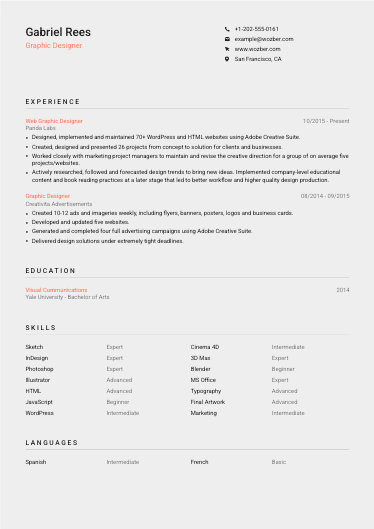
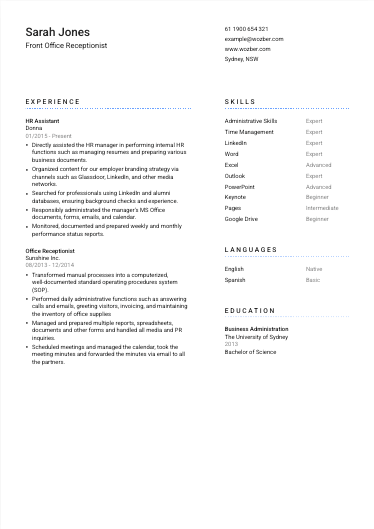
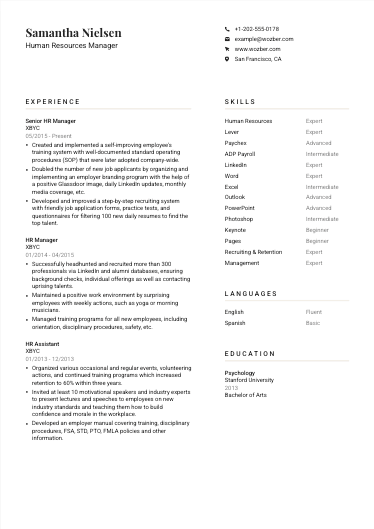
We've made it easier to organize your skills, show your language proficiency more precisely, and control how this information appears on your resume. New options include custom skill categories, expanded language levels with CEFR support, one-click proficiency sorting, List Compact Mode, and more.
Organize skills into categories
You can now split your Skills section into custom categories and name them however you like. Separate hard skills from soft skills, group technical skills by area, or create any structure that makes sense for your profession and experience.
This makes longer skill sets easier to organize and helps recruiters quickly find the abilities most relevant to the role.
Sort skills and languages by proficiency
No more manual reordering. Skills and languages can now be automatically arranged by proficiency with a single click, making it easier to keep your strongest abilities at the top.
More detailed language proficiency levels
Language proficiency has expanded from four levels to seven, giving you more precision when describing how well you speak each language.
You can also use CEFR proficiency levels with A1-C2 prefixes. CEFR is a widely recognized framework ranging from A1 for basic knowledge to C2 for highly proficient language use. Using these levels can make your language ability easier for employers to interpret, especially when applying internationally or to roles where CEFR levels are commonly requested.
New for Lite and Pro: List Compact Mode
Lite and Pro members now have a new customization option called List Compact Mode. You can find it in the Design view.
When enabled, skills, languages, or hobbies are displayed as a compact comma-separated list instead of individual entries with proficiency ratings. The list uses the full available width of the page or column, helping you fit more information into less space.
List Compact Mode can be enabled separately for each category, so you can mix presentation styles within the same resume. For example, technical skills can keep their regular proficiency ratings while soft skills appear as a compact comma-separated list.
One more Personal Details improvement
Previously, LinkedIn profiles appeared as a simple "LinkedIn" hyperlink. You can now choose to display the full profile URL instead. To change it, open Personal Details in the Editor and use the options menu inside the LinkedIn field.
More flexibility for your resume
These updates give you more control over how your skills and languages are organized and presented, whether you prefer detailed proficiency ratings or a cleaner, more compact layout.
Skill categories, proficiency sorting, expanded language levels, CEFR options, and the LinkedIn display setting are free for everyone. List Compact Mode is part of Wozber's template customization features and is available for Lite and Pro members only.
As always, we'd love to hear what you think, so please share your feedback.